When I joined the Eventsmo team, we had a working video conferencing feature built on a commercial WebRTC SaaS. It cost too much, gave us no flexibility, and fell over at scale. My job was to replace it with something we owned.
What followed was two years of media pipeline work — the kind where you spend a week debugging a race condition in an FFmpeg process and another week explaining to a product manager why "just use YouTube Live" is not a sufficient answer.
This is what I learned.
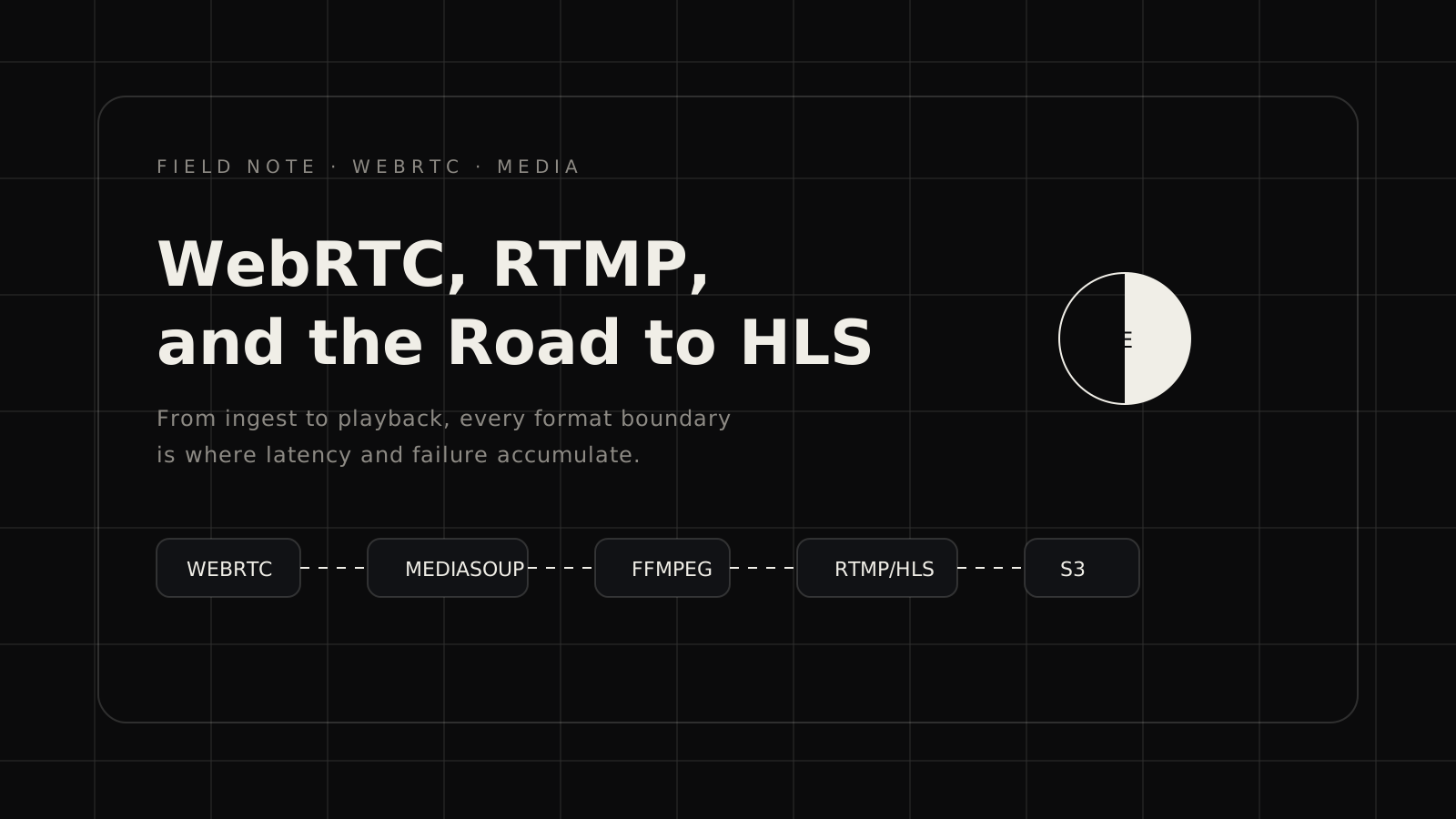
The pipeline at a glance
At peak, the Eventsmo live event pipeline looked like this:
Presenter browser
  → WebRTC (UDP/DTLS-SRTP)
  → Media server (mediasoup)
  → FFmpeg (transcode + mix)
  → RTMP push
  → Nginx-RTMP ingest
  → HLS segmenter
  → S3 + CloudFront
  → Viewer browser (HLS.js)
Each arrow is a failure point. Each format boundary is where latency accumulates. Understanding the whole chain before you build any of it saves weeks.
Why WebRTC for ingest
WebRTC gives you sub-second latency on the ingest side, which matters for the presenter experience. Nobody wants to talk into a camera and hear their voice echo back eight seconds later through the monitor audio.
But WebRTC is designed for peer-to-peer. Scaling it for broadcast means introducing a Selective Forwarding Unit (SFU) — a media server that receives one stream from the presenter and forwards it to multiple consumers.
We used mediasoup, a Node.js SFU with good performance characteristics and a sane API. The alternative we evaluated was Janus, which is more feature-complete but harder to embed.
The mediasoup setup is roughly:
- Browser creates a WebRTC producer.
- mediasoup creates a corresponding server-side consumer.
- We pipe the raw RTP from that consumer into FFmpeg via a UDP socket.
Step 3 is where most tutorials stop. It's also where the real work begins.
FFmpeg as the workhorse
FFmpeg handles transcoding, mixing, and RTMP push. It is flexible, battle-tested, and has documentation that assumes you already know what you're doing.
Our base FFmpeg command for a single-presenter stream:
ffmpeg \
  -f rtp -i rtp://127.0.0.1:5006  \  # video RTP from mediasoup
  -f rtp -i rtp://127.0.0.1:5007  \  # audio RTP from mediasoup
  -c:v libx264 -preset veryfast -tune zerolatency \
  -b:v 2000k -maxrate 2500k -bufsize 5000k \
  -c:a aac -b:a 128k \
  -f flv rtmp://localhost/live/stream_key
The -tune zerolatency flag reduces encoder latency at the cost of compression efficiency. For live streaming, this is the right tradeoff. For VOD archiving, we ran a second FFmpeg pass with veryslow preset after the event ended.
RTMP to HLS — the latency tax
RTMP → HLS introduces the largest latency in the chain. HLS works by segmenting the stream into short chunks (.ts or .fmp4 files) and writing a playlist (.m3u8). Viewers download the playlist, then the segments. The minimum latency is one segment duration.
We ran 2-second segments. That means at minimum 6–8 seconds of end-to-end latency from presenter to viewer. With CDN propagation and player buffer, real-world numbers were 10–15 seconds.
For event streaming — keynotes, panels, concerts — this is acceptable. For interactive Q&A, it is not. We solved the interactive case by running a separate low-latency WebRTC path for the Q&A presenter and switching the audience view between HLS and WebRTC depending on the session type.
What broke in production
1. Firewall and NAT traversal. WebRTC uses STUN and TURN for NAT traversal. We underestimated how many corporate networks block UDP entirely. We ended up running a TURN server with TCP fallback and saw ~15% of connections use it. Without it, those users saw a black screen.
2. FFmpeg process lifecycle. Each live stream is one FFmpeg process. When a presenter disconnects and reconnects, you need to restart FFmpeg cleanly. We got bitten by zombie processes that held the RTMP port open, causing the reconnect to fail silently.
3. S3 upload throttling. At peak we were writing ~180 HLS segments per minute across 40 concurrent streams. S3 has per-prefix rate limits. We hit them during our first large event (2,000 viewers) and had to add prefix sharding to the segment paths.
4. Audio sync drift. Long streams develop A/V sync drift because RTP timestamps and wall-clock time diverge over hours. We saw it appear after about 90 minutes. The fix was adding -use_wallclock_as_timestamps 1 to the FFmpeg input flags — but only after spending two days convinced the problem was in the player.
What I'd change
Start with LL-HLS. Low-Latency HLS (Apple's extension, now in the HLS spec) gets end-to-end latency under 3 seconds with the right server setup. We were using HLS 3, which is legacy. The migration is non-trivial but worth it if latency matters to your product.
Separate the media plane from the control plane harder. We had too much business logic (stream keys, recording state, event metadata) mixed into the media server process. When the media server crashed, we lost state. The right architecture is a thin media relay that knows nothing about business logic, with a separate control service that manages state.
Budget for TURN. Plan for 20% of your traffic going through TURN from day one. Size and cost it accordingly. It will be higher in enterprise contexts where IT departments are aggressive about UDP blocking.
The honest take
Building a media pipeline from scratch is hard in a specific way: the feedback loop is slow, the debugging tools are arcane, and the bugs are often timing-dependent and hard to reproduce. It took me longer than I expected and I made every mistake at least once.
But owning the stack gave us things we couldn't have bought: precise control over latency budgets, the ability to mix sources (screen share, camera, pre-recorded clips) without a third-party SDK, and a cost structure that scaled linearly rather than by the seat.
If I were starting today, I'd probably reach for a hosted SFU (Daily, Livekit) for the WebRTC layer and only build the RTMP/HLS side myself. The SFU is where the hard problems are, and the open-source options, while good, require significant operational investment.
But I learned more about networking, encoding, and distributed systems in those two years than in anything before. Some things you have to build once to understand why you shouldn't build them again.