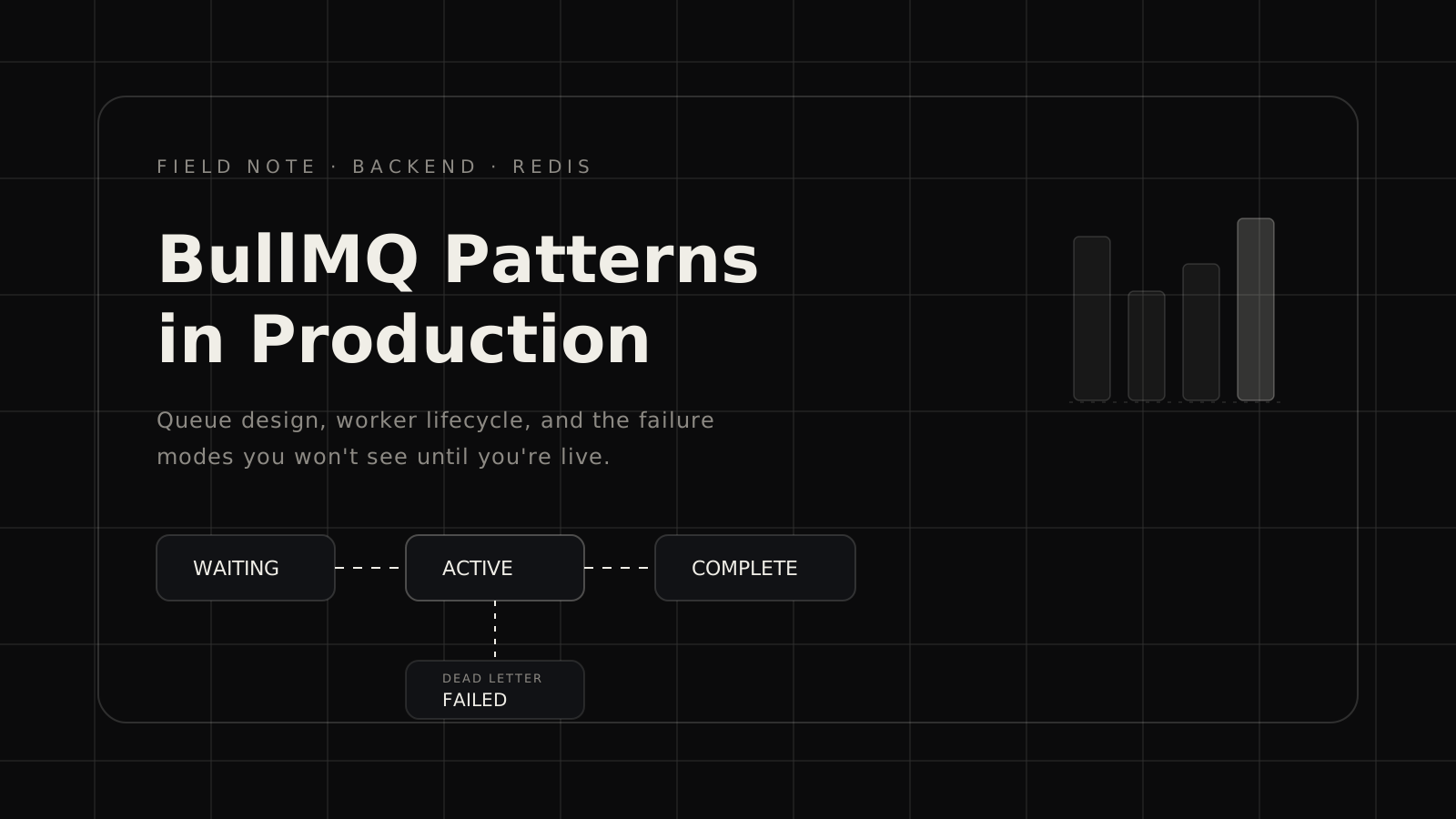
BullMQ is the right choice for most Node.js queue work. The API is clean, the Redis backing gives you persistence and visibility, and the ecosystem around it is mature enough to cover most edge cases. What it doesn't give you is a playbook for the production failure modes, because those only show up at load.
Here is the playbook I wish existed when I started.
Job stalling is not a bug, it is a design constraint
A job "stalls" in BullMQ when a worker locks a job but fails to renew the lock before it expires. The job returns to the waiting queue and gets picked up by another worker. This is correct behavior — it is the dead-worker recovery mechanism.
The problem is that at load, workers that are legitimately processing can stall if:
- The job does CPU-heavy synchronous work that blocks the event loop long enough to miss a lock renewal
- The worker machine goes under memory pressure and the process pauses
- The job awaits an external call that takes longer than
lockDuration
Default lockDuration is 30 seconds. Default lockRenewTime is lockDuration / 2, so 15 seconds. If your external call can take 45 seconds, you will stall.
Fix: Set lockDuration to 2× your p99 job duration. For jobs that call external APIs, add an explicit timeout at the HTTP layer that is shorter than your lockDuration so you fail fast instead of stall slow.
Worker concurrency is a Redis connection multiplier
Each BullMQ worker with concurrency: N opens N + 2 Redis connections (one per concurrent job, plus the blocking listener and the event emitter). If you have 10 workers with concurrency: 10, you have 120 Redis connections before your application connections.
This is fine until it isn't. We hit ElastiCache connection limits on a Saturday when we auto-scaled under load and suddenly had 40 worker pods.
Fix: Calculate your connection budget at architecture time. Use a Redis connection pooler or set concurrency conservatively per pod and scale horizontally instead of vertically.
Separate queues by failure tolerance
We started with one queue. We ended with five. The division that mattered:
- Critical — payment events, auth callbacks. Small concurrency, high retries, paged on failure.
- Standard — MCP tool invocations, media processing jobs. Normal retries, alert on failure.
- Background — analytics, cache warming, email digests. No retries, no alerts, let them drop.
- Scheduled — cron-style recurring work. One worker, no concurrency.
- Dead letter — failed jobs from critical queue, moved here for inspection and manual replay.
Mixing these into one queue means your analytics backlog can delay your payment events. The separation cost is a few extra queue declarations and worker instances. Worth it.
The delayed job trap
BullMQ's delay option schedules a job to be processed after N milliseconds. Under the hood, this is a sorted set in Redis keyed by processAt timestamp. A single worker polls this set to move due jobs to the waiting queue.
If that worker goes down, delayed jobs accumulate. When it comes back up, it processes the backlog, but there is now a thundering herd on the target queue.
We hit this after a deploy that rolled all workers simultaneously. Three minutes of accumulated delayed jobs all became due at once.
Fix: Use removeOnComplete and removeOnFail aggressively to keep the queue lean. For delay-heavy workloads, consider a dedicated scheduler worker and rate-limit the transition from delayed to waiting.
Visibility into running jobs
The built-in Bull Board UI is useful for debugging but not enough for production monitoring. What actually matters:
- Queue depth trend (not just current count)
- Job duration p50/p95 by job name
- Stall rate per worker
- Failed job volume with error type breakdown
We emit these as custom metrics to OpenTelemetry and plot them in Grafana. The correlation between stall rate and memory pressure on the worker pods was only visible after we tracked both in the same dashboard.
If you are running BullMQ at any non-trivial scale, instrument before you need it.